
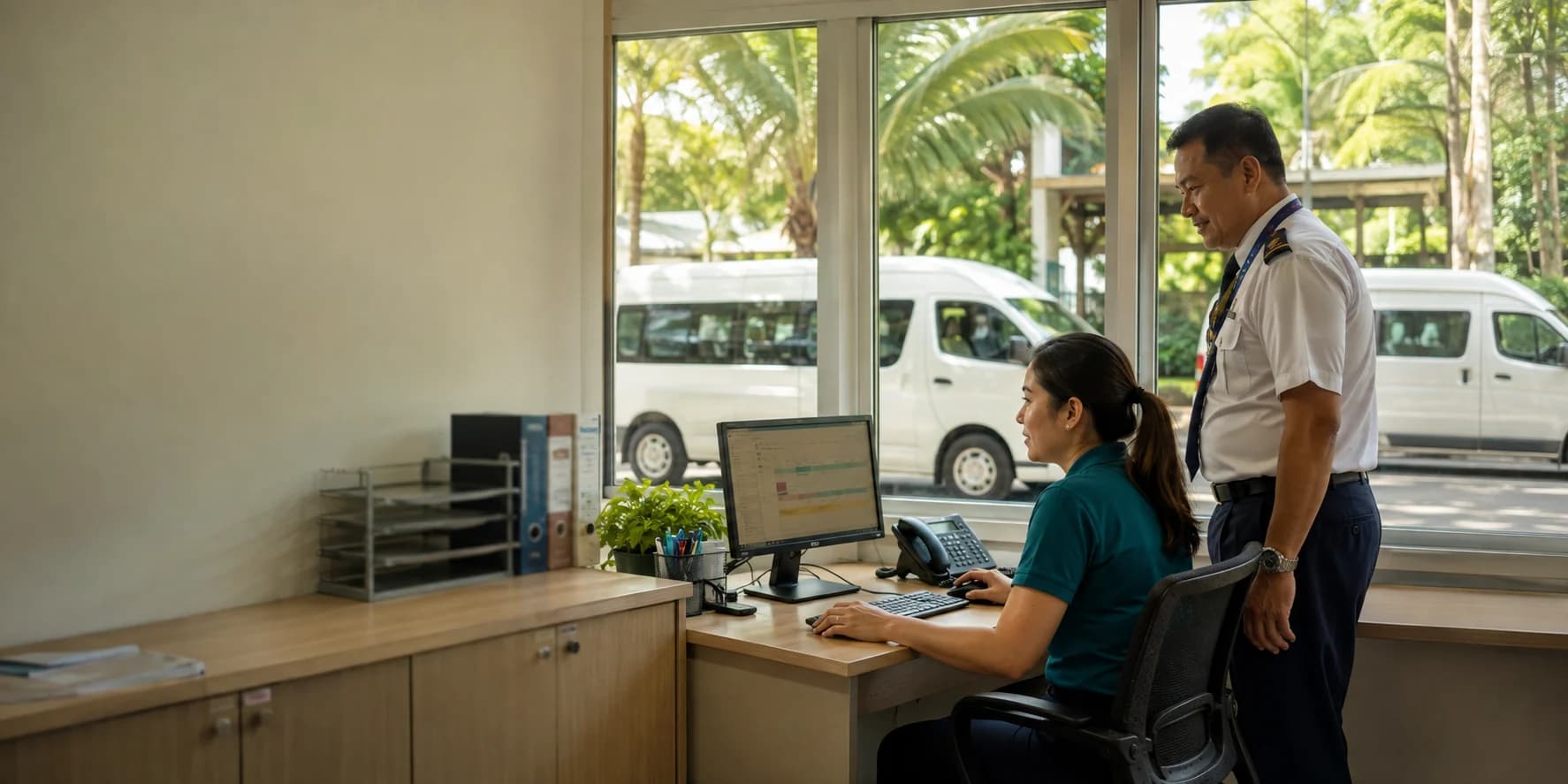
From Transport Request to Manual Dispatch
Capture itinerary and passenger demand, schedule resources on Fleet board, complete the trip manually, and keep confirmed school-fleet drivers informed in My Jobs.
A connected request-to-dispatch workflow
Itinerary and passenger intake
Staff enter a chronological pickup, ordered stops, departure and return timing, and positive whole-number passenger demand. An incomplete Draft can be saved; Approved or Ready hands complete demand to transport administrators.
Manual Fleet board scheduling
Transport administrators manually schedule and allocate requests in rolling Day, Week, and Month resource-timeline windows of 1, 7, and 30 days, then manually complete the request at Done. State and allocation-mode filters hide nonmatching visible requests while complete summary counts and full occupancy and conflict context remain.
School-fleet allocations
Add school vehicle and eligible driver rows as Tentative, Confirmed, or Cancelled. Confirming a request is blocked by no allocation, a capacity shortfall, a missing vehicle, or a missing driver; other request-level warnings may remain advisory.
Outsourced allocations
Use active outsourced provider rows with positive booked-seat capacity alongside school-fleet rows. Outsourced rows can be Tentative, Confirmed, or Cancelled, but they never create driver work or driver notifications.
Capacity, conflict, and availability feedback
Vehicle, driver, and provider filters reduce resource rows without hiding request demand. Record and edit availability blocks for school vehicles, eligible drivers, and outsourced providers; overlapping availability blocks prevent direct assignment. Allocation-row confirmation separately rejects missing fields, out-of-service vehicles, ineligible drivers, inactive providers, missing or non-positive booked seats, and new consuming school-fleet vehicle or driver overlaps; these row rejections cannot be generally overridden.
Confirmed driver work in My Jobs
Confirmed school-fleet driving appears beside eligible request work in My Jobs Calendar's navigable month grid and the 90-day Agenda, can be isolated with the Driving filter, and joins the driver's signed, filter-aware personal calendar feed. Confirmed additions and removals always create in-app notifications; email is additional only when email notifications are enabled. Tentative and outsourced rows use neither notification path.
Optional complete-trip budget reporting
Approved or Ready becomes Pending
A complete positive budget-and-amount pair contributes Pending while the transport request is Approved or Ready.
Confirmed becomes Committed
The same complete positive request-level pair contributes Committed when the request status is Confirmed, independently of allocation-row status.
Done becomes Actual
Manually marking a request Done records Actual usage when a budget is selected and the amount is positive. Draft and Deferred requests, missing budget or amount values, and zero amounts do not contribute usage. Cancelling the request removes its current usage.
Choose a budget and enter the total trip cost in the account currency; both fields are optional and can be completed separately. Budget usage is recorded only when a budget is selected and the amount is greater than zero. This supports reporting, does not depend on allocation status, and does not calculate trip costs automatically.
For school transport and operations teams
Requesters provide demand, transport administrators manually coordinate school and outsourced resources, and eligible drivers receive only their confirmed school-fleet work in My Jobs.

Connect Transport Requests to Dispatch
Register to see how Workflow supports bounded, manual school transport coordination.