


Little clues. New words. Learning together.
Turn one picture wordlist into three vocabulary games for kindergarten and primary learners: reveal, match words and match pictures.
Request invoiceThree vocabulary games from one wordlist
Start with a picture wordlist. Lead a shared reveal, choose the word that matches a picture, or find the picture that matches a word. Use the same vocabulary for a quick warm-up or a longer conversation.

Presentation warm-up
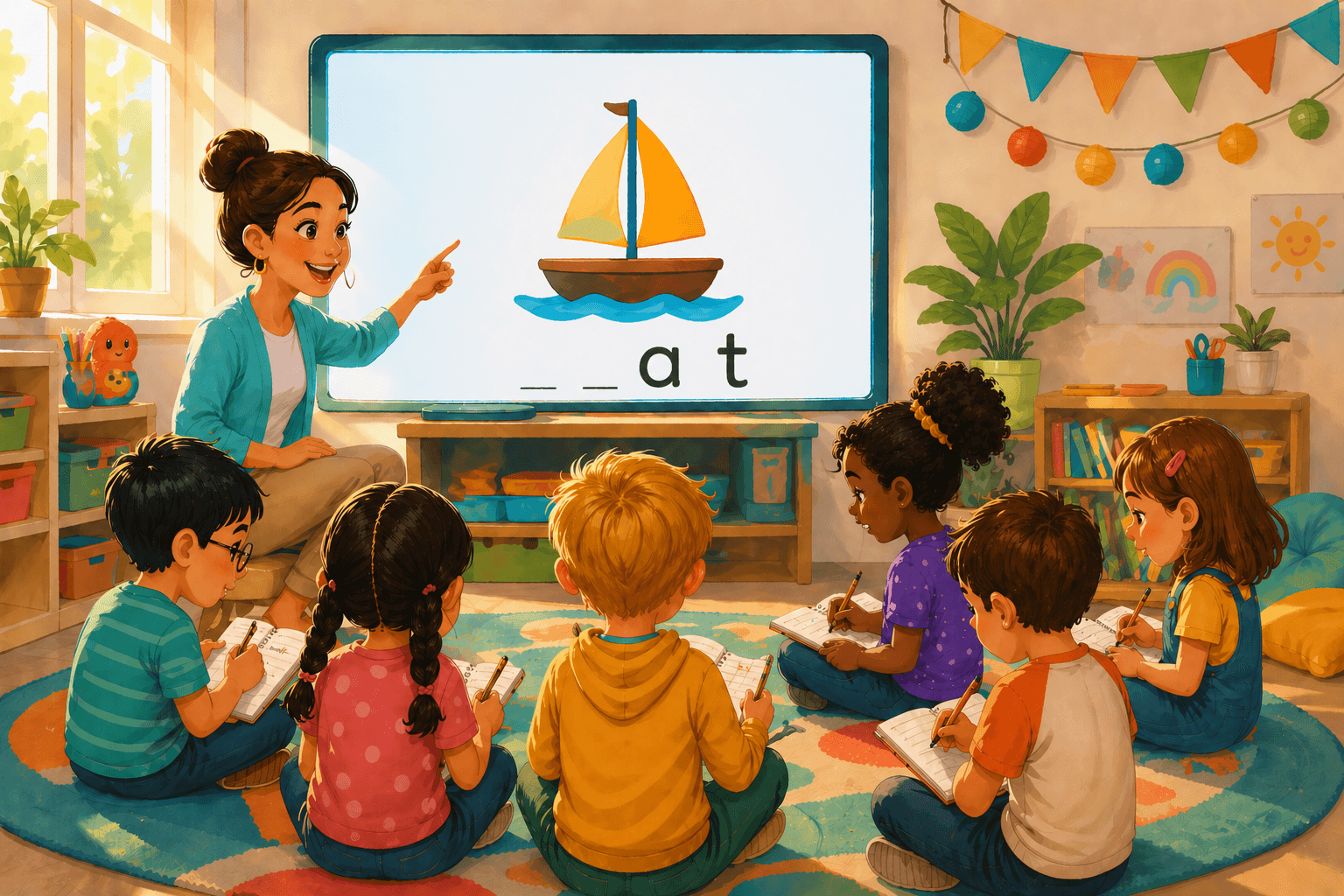
Word Match review
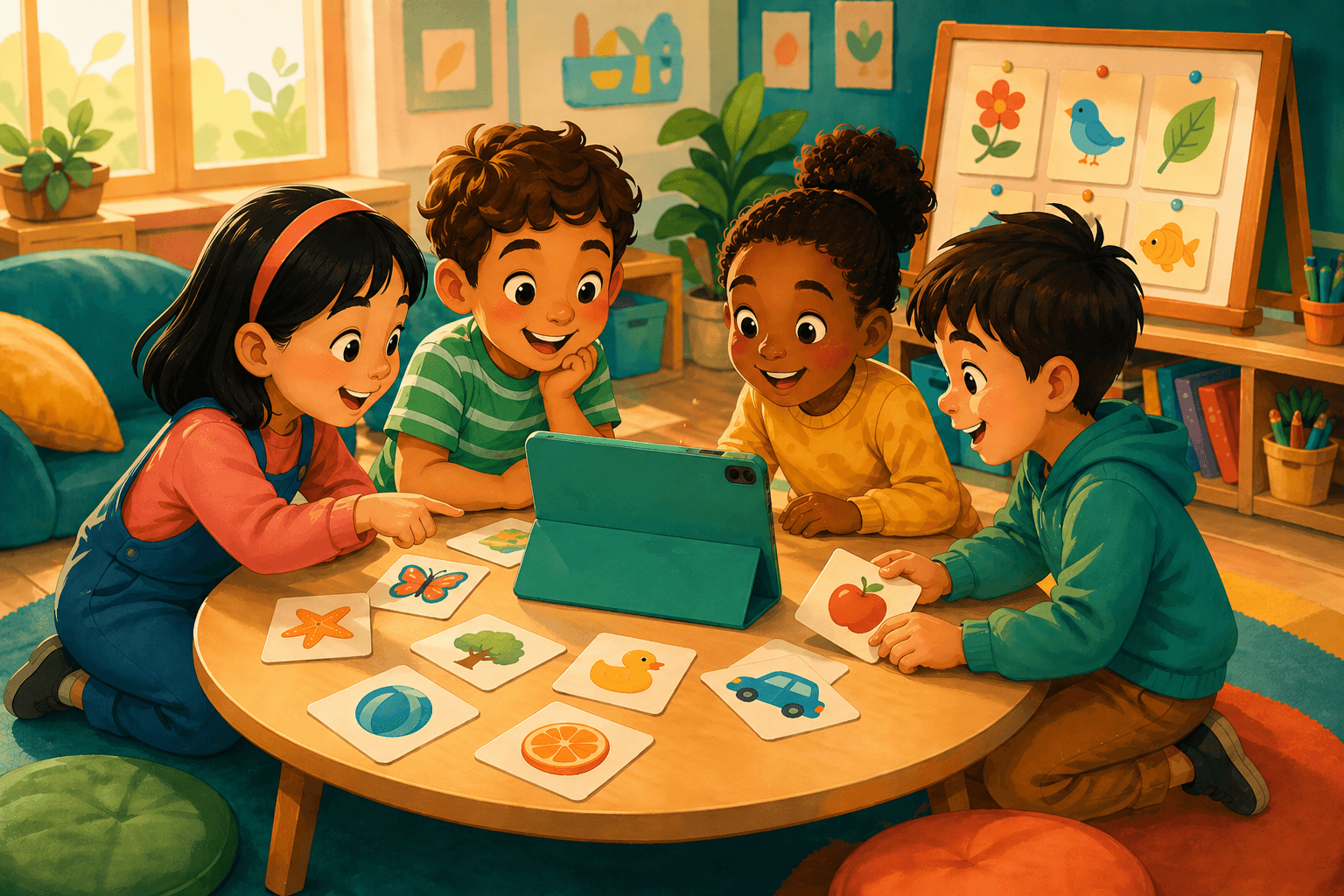
Picture Match practice
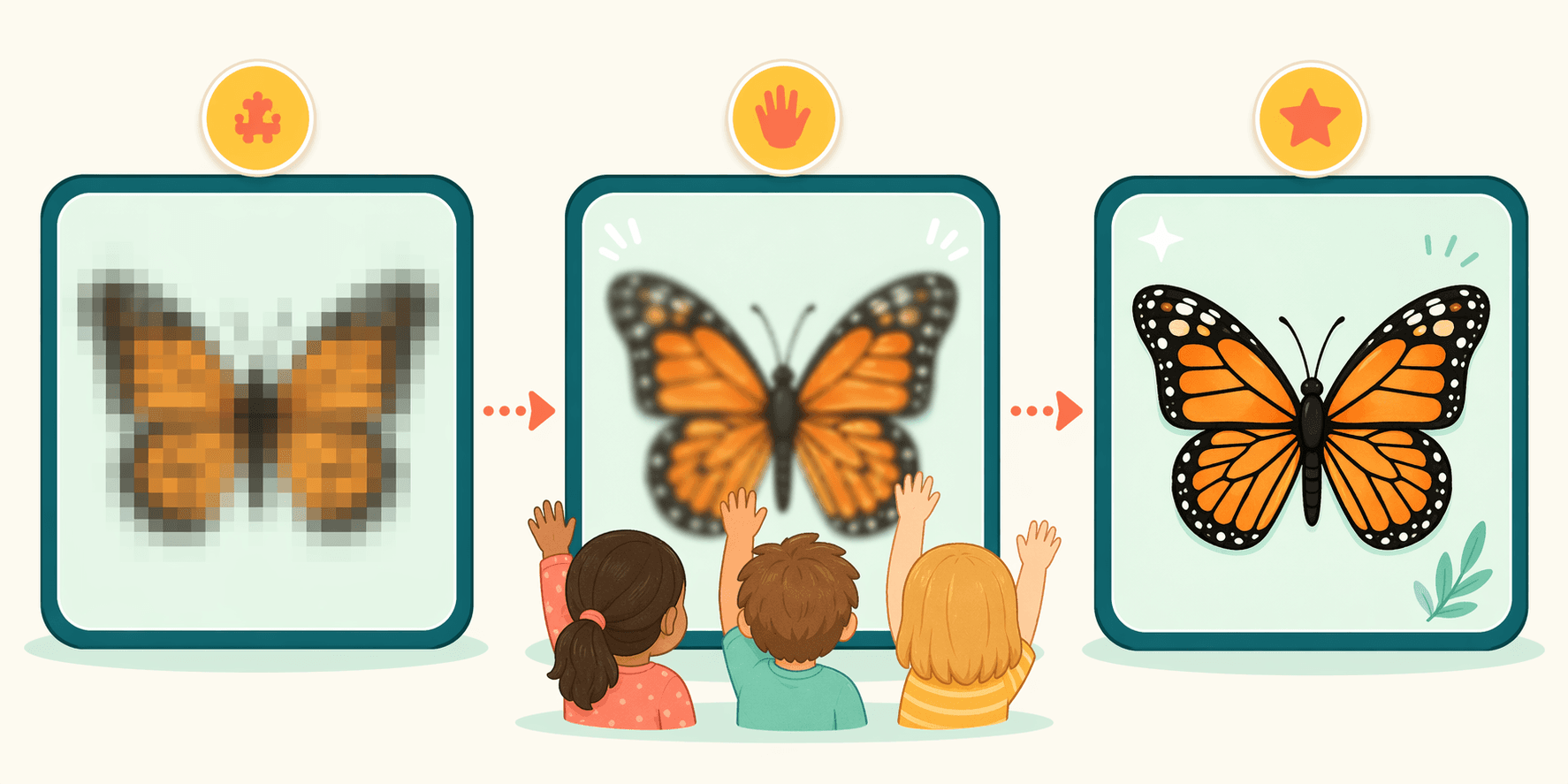
Teach together, then switch into matching games
Start in Presentation mode to build meaning as a group, then use Word Match and Picture Match for quick vocabulary checks.
Presentation, Word Match, and Picture Match
Use Presentation for whole-class discovery, Word Match to choose a word from a picture, and Picture Match to choose a picture from a word.
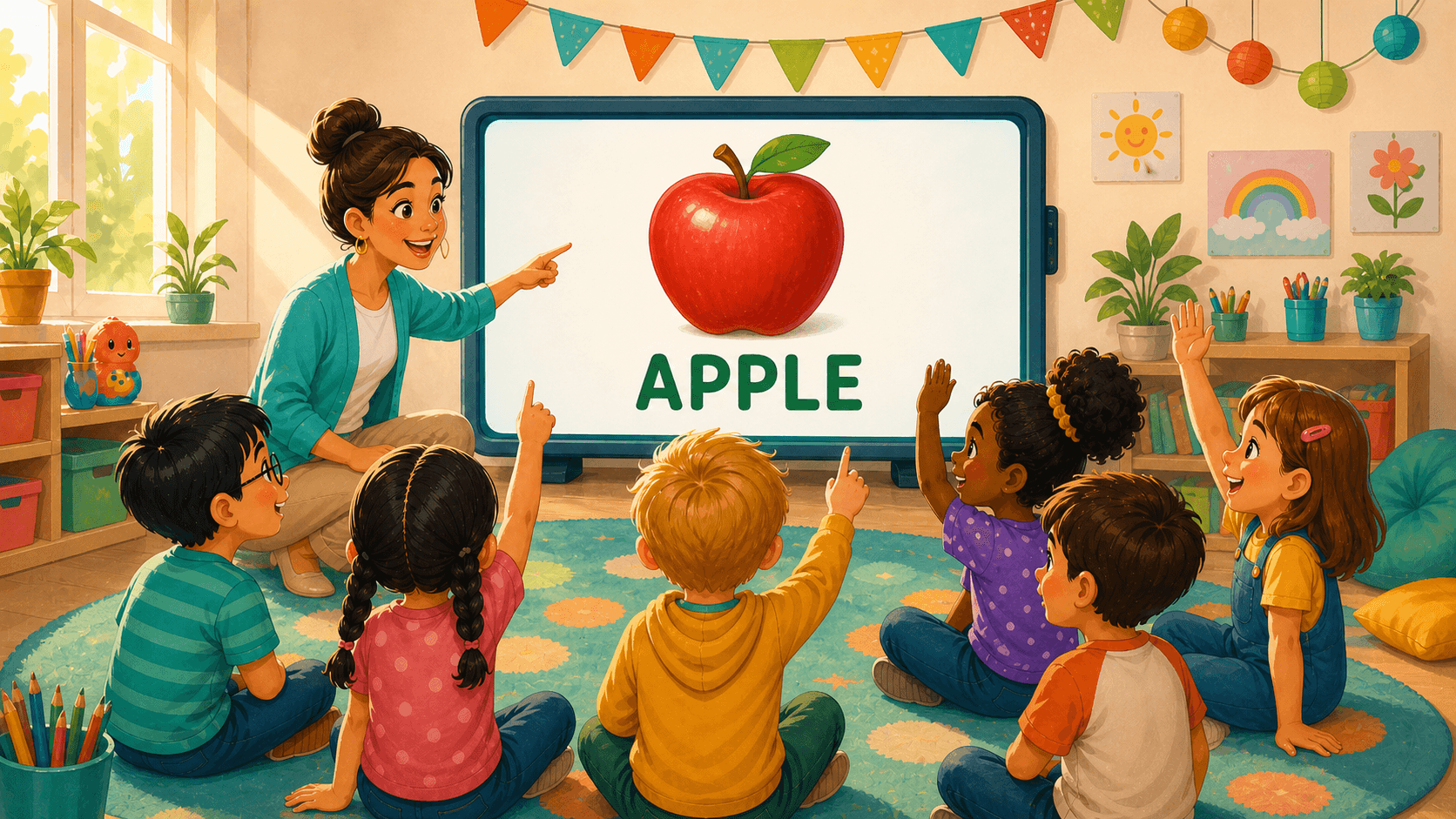
Presentation
Reveal the picture step by step so the class can discuss clues, make guesses, and say the vocabulary word together.
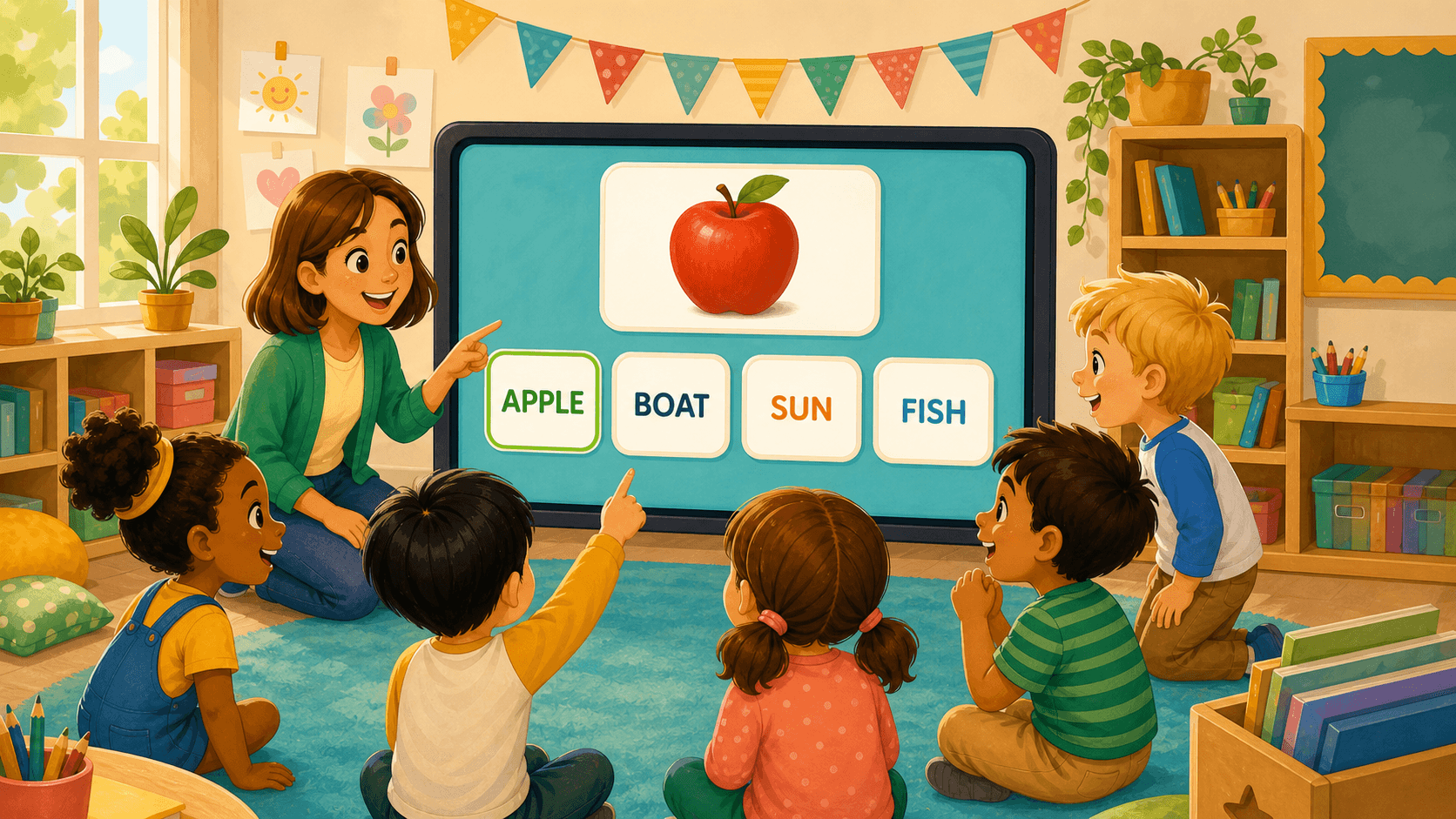
Word Match
Students start from a picture at the top of the screen and choose the word that names what they see.
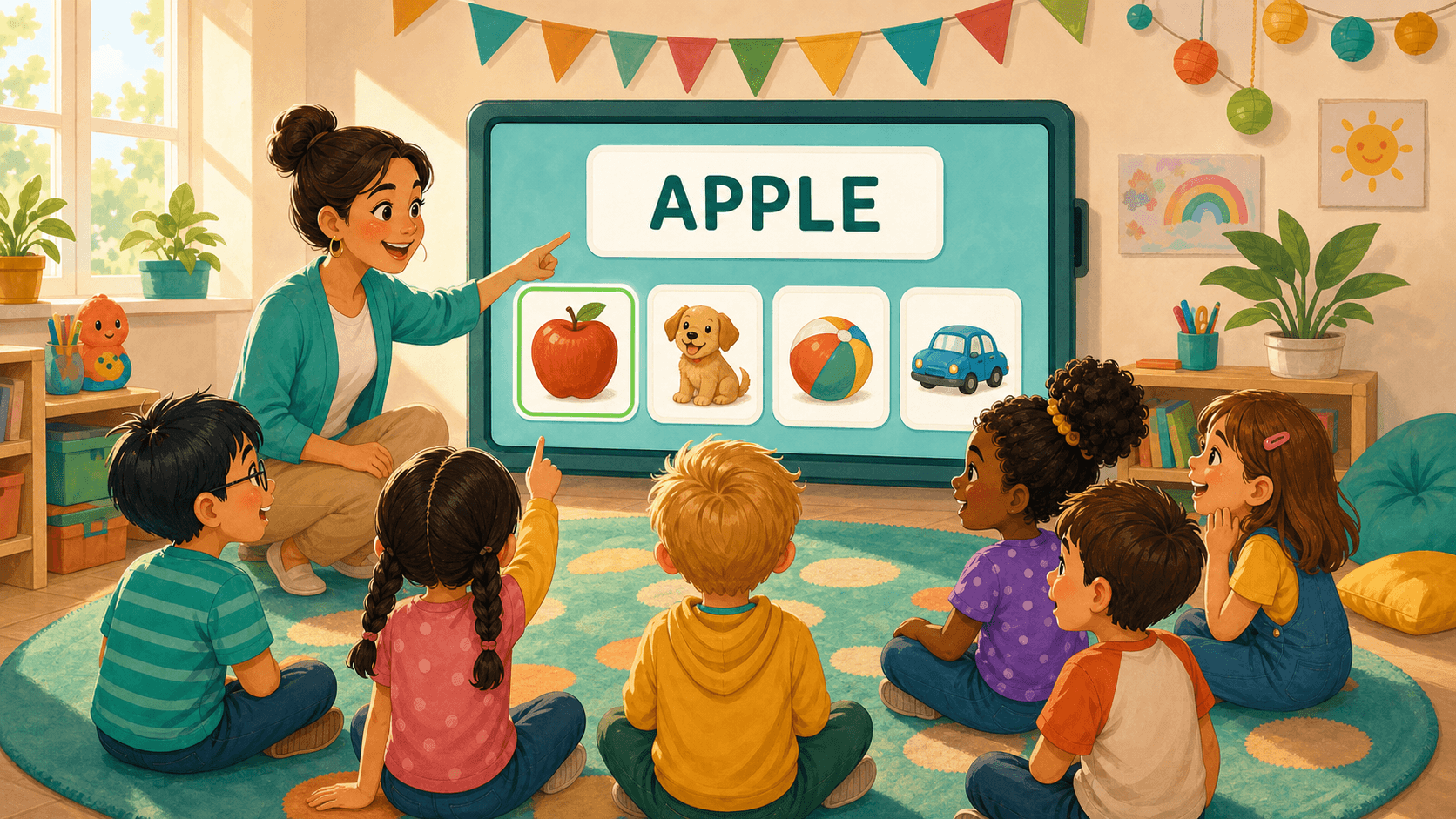
Picture Match
Students start from a word at the top of the screen and choose the matching picture from friendly visual choices.
Send the same vocabulary games home
Teachers can share a Peekadoo wordlist with parents, so families can review the same young-learner vocabulary through familiar picture and word prompts.
Share a wordlist link with parents.
Families review picture and word prompts on a phone.
Home practice follows the same classroom vocabulary games.

Play a sample round

Try the vocabulary games below, then create a Peekadoo account to build and share your own wordlists.
Create a Peekadoo accountActions
Word 1 of 5


Part of SchoolHero.io
A little help for the learning side of school.
Peekadoo is our app for vocabulary discovery; Workflow supports everyday school operations. Each has its own job, with people at the heart of both.
Meet the SchoolHero apps